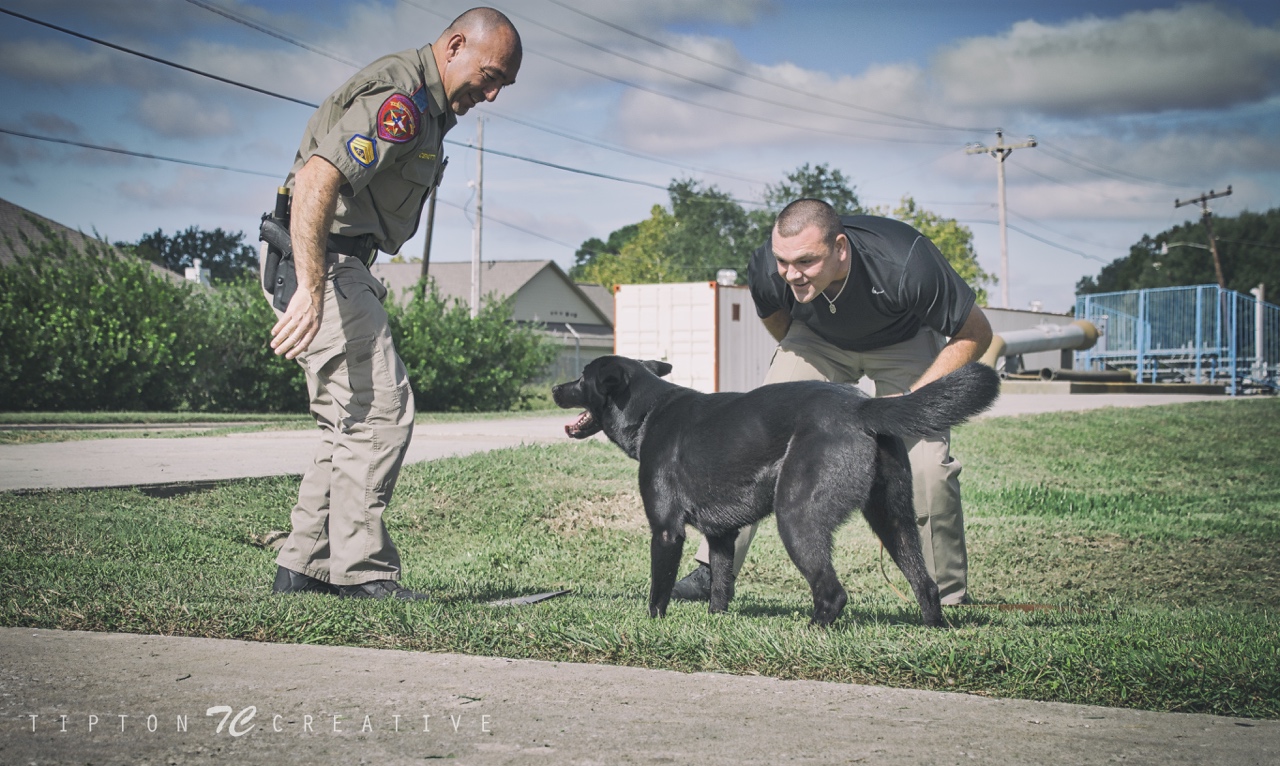
DPS K-9 Testing for LCAS' Hermione

I had so much fun taking photos of our Hermione doing her thing during some testing for the DPS K-9 Department. The four officers looked and sounded like they had as much fun as Hermione. They said there were a couple of small concerns that they could work with Hermione on. The officers filled out paperwork and took Hermione with them when all was said and done. Great day!

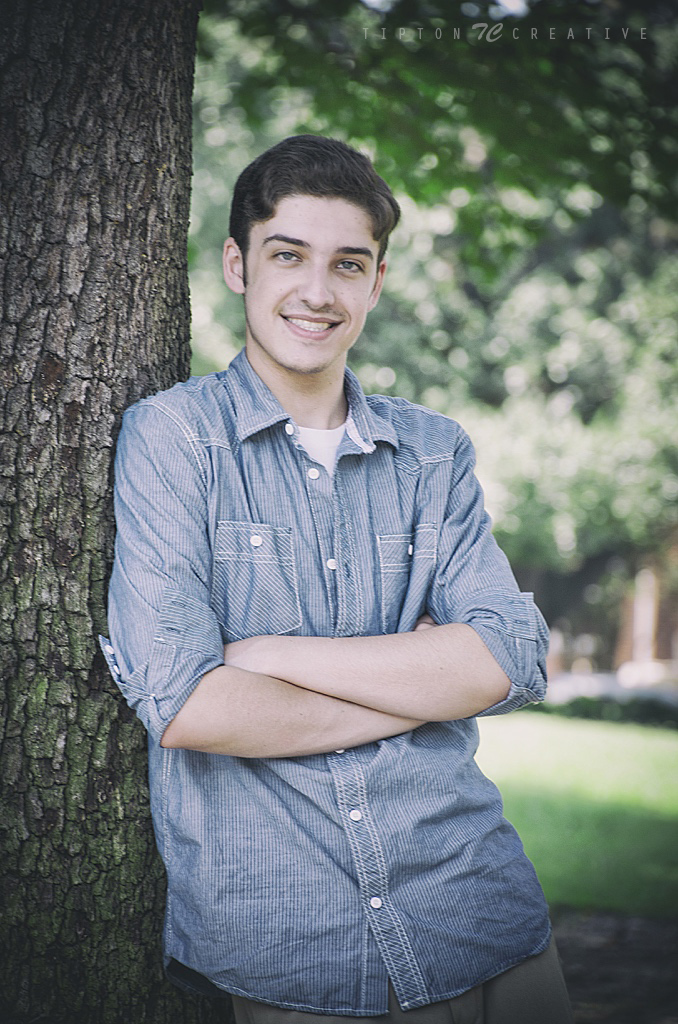
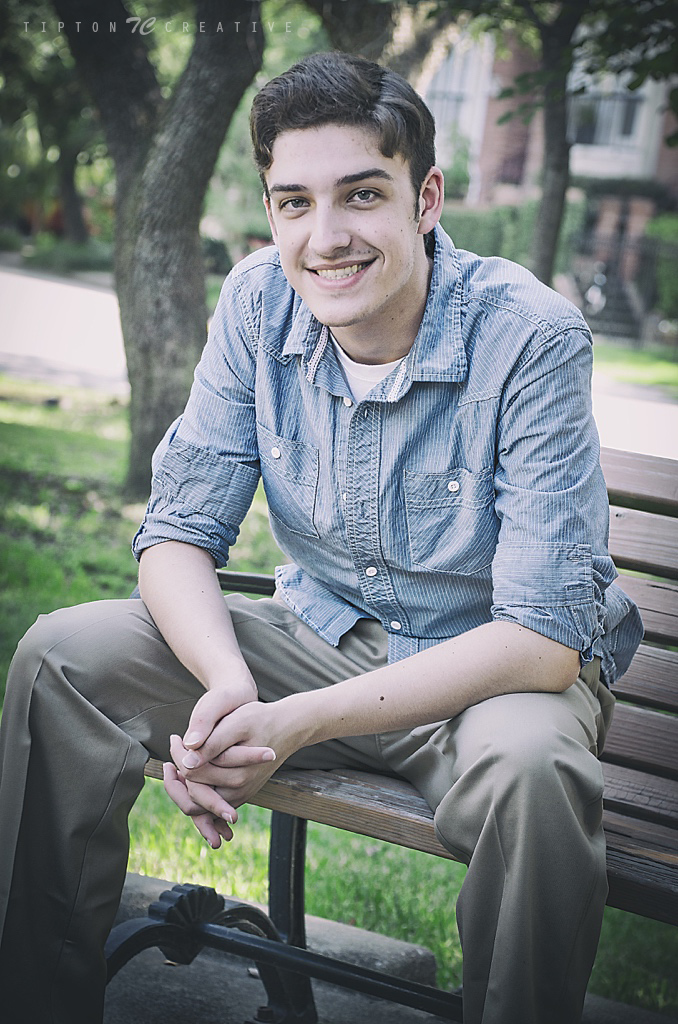
Senior Photo Session - Sean

Date: 9/6/15 | Location: Biscuit Paint Wall & Cherry Hurst Park, Montrose Area, Houston

We met at 3:00PM and the Biscuit Paint Wall was completely covered by harsh sunlight making good photos very difficult, so we elected to move a couple of blocks over to Cherryhurst Park. It is a small, but nice little pocket park in the Montrose area of Houston. After taking a few shots at the park, we decided that we would meet up again the following morning at the Biscuit Paint Wall. The light was much better the second time around. Sean is a great subject and a very nice young man. Congratulations on his upcoming graduation and best of luck in the future.

Shelter Summary - Week of October 19 2015

It was another active week. Luckily, I was able to get all of my photos done before the major weather hit. As always, so many wonderful dogs and cats are in need of a home to call their own.

LEAGUE CITY ANIMAL SHELTER

TEXAS ANIMAL CONTROL SOLUTIONS

WEBSTER ANIMAL SHELTER

PAWSH DOG HOUSE

Useful Mac Keyboard Shortcuts

A quick list of useful Mac keyboard shortcuts that I use everyday.

Command+Spacebar -> Spotlight Search

It's nice to be able to do a search of your entire drive quickly. If I'm asked if I ever took photos of a dog named Aries, I simply do Command (⌘)-Space and type in Aries. It gives me everything on my Mac with the word Aries in the filename.

Spotlight search for "Aries"

Native Instant-Image Slideshow Feature

This is really cool. Select a set of JPG files and do Alt-Space. This will display the selected files in a full screen slideshow. Very useful when you just want to show someone a few photos. There are more options for the slideshow feature. I have provided a link to a great article on this in the RELATED LINKS section at the end of this post.

Select files you want to show and press Alt-Space

Select files you want to show and press Alt-Space

Presto...full screen slideshow!

Screenshots

Command (⌘)-Shift-3 for the whole screen

If you do Command (⌘)-Shift-4, your cursor turns into a crosshair...use that to select a specific area and a screenshot will be made with just that area.

That's it for now. I'm sure there are hundreds of shortcuts, but these are the ones I use everyday without fail.

--

R E L A T E D

  1. Yosemite: Search with Spotlight 
  2. 9 Tricks for the Full Screen Slideshow Feature in OS X
  3. How to take a screenshot on your Mac


Shelter Summary - Week of October 12 2015

It was a really busy week for me. I had all three of my normal shelters and worked a new one this week. There are some amazing shelter pets waiting for their moment. The shelter breakdown is below.

League City Animal Shelter

Webster Animal Shelter

Companion Animal Outreach of Galveston County

Nassau Bay Animal Shelter

Texas Animal Control Solutions